
Arkheron Controls Guide
PC and controller bindings, free-aim comfort settings, and habits that keep ability casts on target.
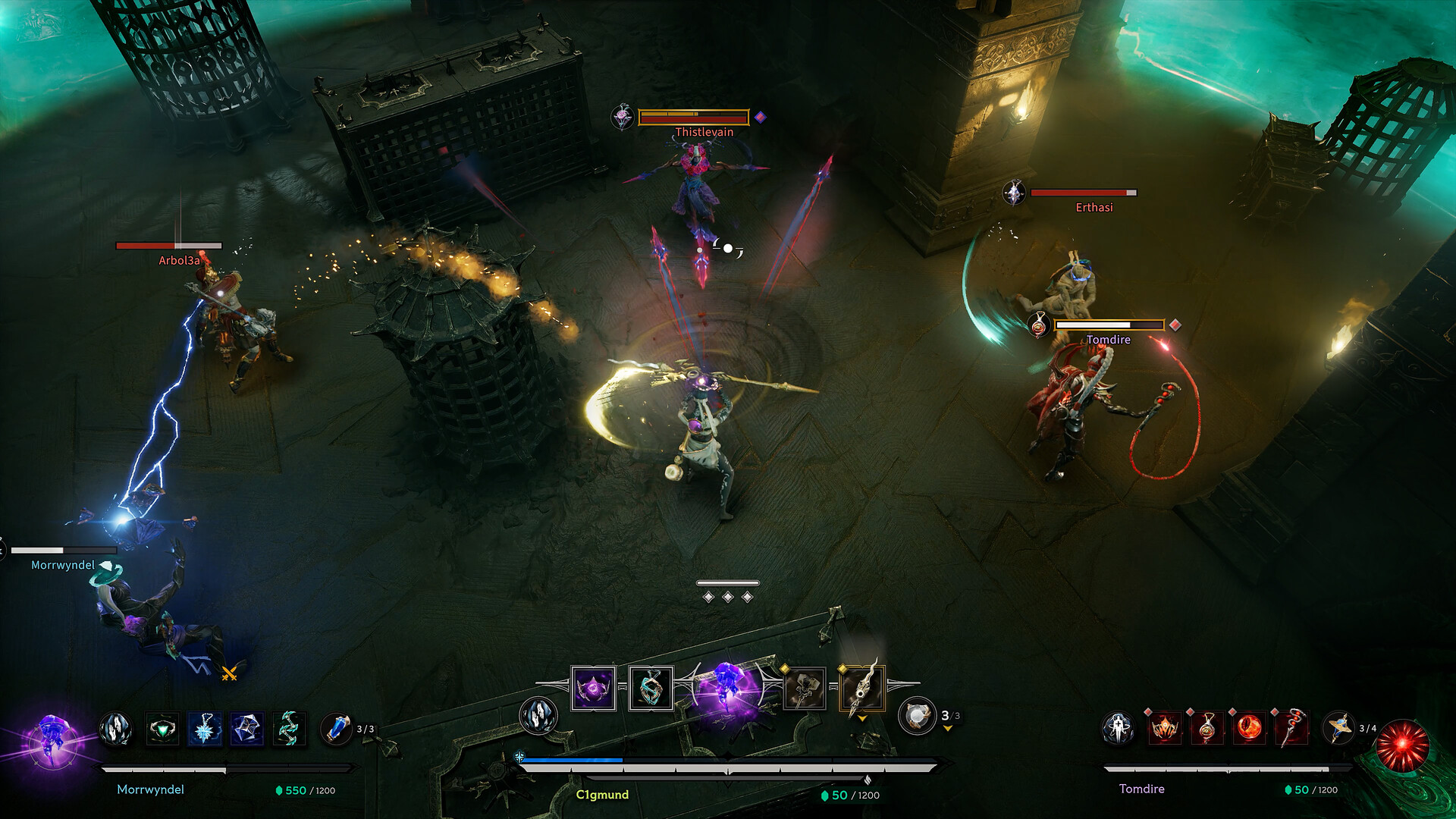
Arkheron’s isometric free-aim combat only feels fair when your controls disappear. Whether you play on Steam with mouse and keyboard or on PS5 / Xbox Series X|S with a pad—often in the same crossplay party—you need bindings you can hit while tracking a moving Echo across a beacon. This page covers practical setup advice for Early Access (November 27, 2026), how to practice inputs, and which settings matter before you queue Spires mode or Ascension mode.
Exact default glyphs can shift during Early Access patches, so treat the lists below as a role map: movement, aim, primary fire, Relic abilities, utility, interact/revive, and menu/Shrine. After each patch, open the in-game remapper and confirm nothing critical moved.
Goals for a good Arkheron control scheme
- Aim never leaves your right hand’s primary job. Abilities should not force you to stop tracking for more than a finger roll.
- Revive and interact must be panic-proof. Downs decide 3v3 rounds; hunting for the interact key loses executes.
- Shrine shopping stays fast. You will rebind loadouts between Spires rounds—menu navigation speed is part of combat.
- Crossplay parties share callouts, not identical hardware. Agree on ability names, not button letters.
If you are still learning systems, pair this page with How to Play and Getting Started.
Mouse and keyboard (Steam / PC)
Most PC players will prefer mouse aim for free-aim tracking. A clean starter layout:
| Action | Suggested binding | Notes |
|---|---|---|
| Move | WASD | Keep strafe comfortable for beacon circles |
| Aim / look | Mouse | Lower horizontal sens if you overflick on isometric depth |
| Primary attack | LMB | Hold-to-fire or click cadence based on Relic |
| Secondary / alt fire | RMB | Often charged shots or focus tools |
| Ability 1�? (weapons) | Q / E | Mirror your two Weapon Relics |
| Crown / Amulet skills | F / C or 1 / 2 | Put the higher-tempo skill on the easier key |
| Fifth Eternal ability | R or Side mouse | Only available after full-set transform |
| Interact / revive / loot | F or E (if free) | Must be reachable while strafing |
| Consumable | 3 / 4 or Mouse 4 | Heal under pressure without opening inventory |
| Ping / ping danger | Middle mouse / Z | Call third parties in Ascension |
| Scoreboard / map | Tab / M | Check floor pressure and beacons |
PC sensitivity tips
- Start lower than your FPS muscle memory. Isometric depth makes high sens feel floaty.
- Enable a consistent frame-rate cap so tracking does not change when Ascension gets crowded.
- Turn off acceleration if your Windows mouse options still use it.
- Bind push-to-talk near movement keys so callouts do not steal aim fingers.
Confirm your machine meets system requirements so input latency is not actually a GPU hitch.
Controller (PS5, Xbox, and Steam Input)
Controller is fully viable, especially for players coming from console action games. Prioritize aim assist comfort (if present in your build), trigger attack, and bumper abilities:
| Action | Common pad pattern | Notes |
|---|---|---|
| Move | Left stick | Slight deadzone reduction helps fine strafe |
| Aim | Right stick | Curve matters more than raw number |
| Attack | RT / R2 | Keep fire on trigger |
| Alt / focus | LT / L2 | Charge tools without leaving aim |
| Abilities | LB/RB or L1/R1 + face buttons | Cluster Relic skills near bumpers |
| Interact / revive | X / A | Same face button every mode |
| Dash / mobility | B / Circle or click stick | Escape executes and Rift approaches |
| Ping | D-pad up | Essential in Ascension chaos |
| Menu / Shrine confirm | Options / Menu | Practice Buy All / Random Loadout paths in Spires |
Controller-specific advice
- Use Steam Input on PC if you prefer DualSense or Xbox pads with custom gyro (optional) or paddles.
- Map the fifth Eternal ability to a paddle or easily held bumper combo—transforms win finales when the button is late.
- Raise look sensitivity slightly for Spires�?faster arena resets; lower it for Ascension beacon holds where micro-adjustments matter.
- Enable vibration cues only if they help ability timing; turn them off if they disturb fine aim.
Shared habits for both input methods
Interact discipline. Practice walking onto a downed ally and starting revive without looking at the keybind overlay. In live games you will be watching enemy angles instead.
Ability buffering. Many Relics reward pressing the skill slightly before the enemy peeks. Training mode exists to rehearse that timing without wasting a Friend Pass friend’s evening.
Shrine muscle memory. Between Spires rounds you may buy upgrades, consumables, or a full Eternal set. Learn the shop path so you are never the player still browsing when the round starts.
Ping language. One ping for “fight here,�?two for “danger,�?and a verbal Relic call (“I need Dahla Crown�? beats vague shouting.
Accessibility and comfort
- Remap anything that aggravates hand strain—Early Access is a marathon of queue times and retries.
- Increase UI scale if isometric HUDs feel tiny on 4K.
- Colorblind and contrast options (when available) help track Empowered indicators and teammate outlines.
- Keep a second profile: “high sens Spires�?and “low sens Ascension�?if you genuinely play both modes differently.
Practice routine (15 minutes)
- Warm-up Tracking �?Strafe figure-eights while keeping crosshair on a Training dummy.
- Ability weave �?Fire, ability, fire without stopping mouse/stick movement.
- Revive under fire �?Start revives while strafing; cancel if a fake engage appears.
- Shrine speedrun �?From spawn, buy a heal and one upgrade as fast as possible.
- One live series �?Queue Spires and forbid yourself from changing sensitivity mid-match.
Crossplay parties and input fairness
Crossplay means a mouse player and a controller player can share a three-stack. That is intentional. Do not flame input methods—flame poor beacon discipline. If someone on Friend Pass is new, let them keep default bindings for the first night and only remapping after they understand How to Play systems.
When patches rearrange defaults, re-check this page’s role map, update your binds, and drop a note in your Discord so the squad’s callouts still match the buttons people press. For mode-specific tactics after your hands are comfortable, move on to Ascension mode and Spires mode. Official channels remain listed under Links.
Comfortable controls will not replace good Relic decisions—but bad controls will erase good ones. Bind for tracking, protect revive, and make the Shrine feel like a weapon.
Frequently Asked Questions
Quick answers about Arkheron Early Access, modes, and this wiki.
Is mouse and keyboard required for Arkheron?
No. Mouse and keyboard are popular on Steam, but controller play on PS5, Xbox, and PC is fully intended, including in crossplay parties.
What should I bind first if I remapping everything?
Prioritize aim/fire, the two Weapon abilities, interact/revive, and your eventual fifth Eternal ability. Everything else can wait a session.
Why does my aim feel off in isometric view?
Depth perception differs from first-person shooters. Lower sensitivity, warm up in Training, and focus on tracking silhouettes rather than flicking to heads.
Do PC and console share the same default bindings?
Layouts differ by platform. Use the in-game remapper after each Early Access patch and keep a personal notes list for critical actions.